Agents
Agent quickstart
Connect Codex, Claude Code, or Cursor safely in five minutes.
Audryo is a complete agent-first stack for lifecycle email — audiences, journeys and campaigns your agent can run end to end.
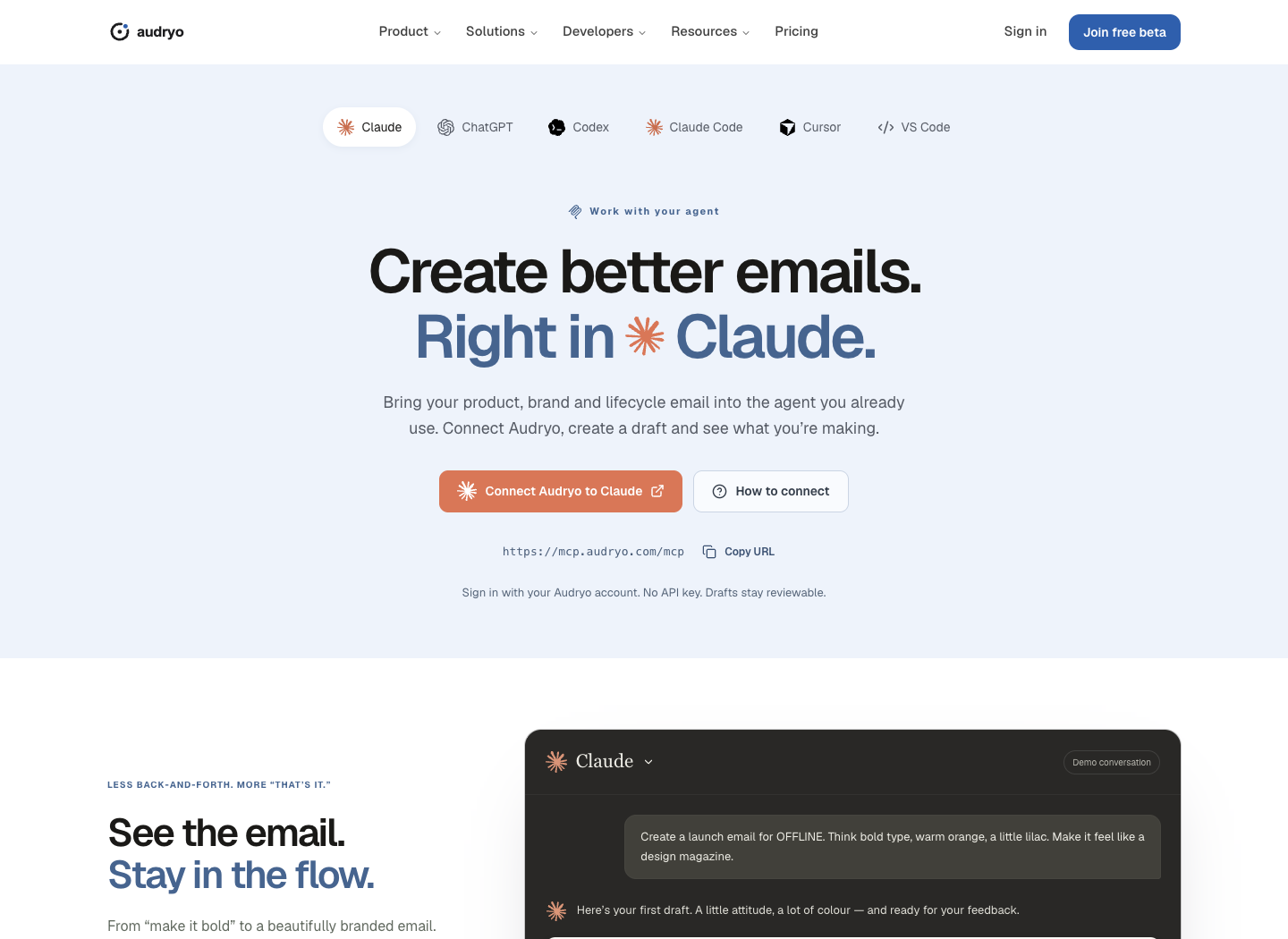
Connect Claude, Codex, Cursor or any MCP client in about two minutes. Audryo is a hosted MCP server: you add one URL, sign in through the browser, and your agent gets Audryo's tools. No API key, no local install, and every customer-facing action still waits for you.
https://mcp.audryo.com/mcpThis guide is for working in Audryo: reviewing data, preparing audiences, Journeys, campaigns, and emails. It does not require access to your application's repository. If an agent should add Audryo tracking to your codebase, use the separate Settings → Developer → Integrate your product prompt.
What an agent can and cannot do
| The agent can | You stay in control of |
|---|---|
| Read your product context, data schema, and reports | Publishing emails |
| Sync contacts and events | Starting Journeys |
| Propose audiences and Journeys | Sending campaigns |
| Design complete emails, including images | Recording consent |
| Run dry runs and send test emails to you | Erasing contacts |
1. Add Audryo to your agent
Open audryo.com/mcp, choose your agent and select Connect Audryo or How to connect. The app’s Connect agent links open the same page. Full instructions and screenshots: Connect your agent.
Claude Code
claude mcp add --transport http audryo https://mcp.audryo.com/mcpThen run /mcp in Claude Code and choose Audryo to sign in.
Codex
codex mcp add audryo --url https://mcp.audryo.com/mcp
codex mcp login audryo
Claude app (desktop, web, mobile): Settings → Connectors → Add custom connector, paste https://mcp.audryo.com/mcp, then Connect.
ChatGPT: open Plugins → Add → Add custom MCP server (in the desktop app: Settings → Plugins). Name it Audryo, choose Streamable HTTP (not STDIO), enter https://mcp.audryo.com/mcp as the server URL, and connect with OAuth. Create the plugin, then select Audryo with @ in a new chat. Workspace policies may require admin approval.
Cursor and other MCP clients: add https://mcp.audryo.com/mcp as a remote server, for example in .cursor/mcp.json:
{ "mcpServers": { "audryo": { "url": "https://mcp.audryo.com/mcp" } } }Recommended: add the Audryo skills. They teach your agent Audryo's rules for data, email design and sending:
npx skills add audryo/agent-toolkit2. Sign in and choose what the agent may do
Your agent opens Audryo in the browser. Sign in (or create an account — you can set up your first project right there), pick the workspace, and choose the access level:
| Choice | What the agent can do |
|---|---|
| Read | Look around and report |
| Draft and set up | Build audiences, Journeys, emails and campaign drafts |
| Send and go live | Also start Journeys and send |
"Send and go live" is off by default. Without it, the agent cannot send to customers even by mistake; if a task needs it, your agent asks you to approve it in the browser. See and disconnect agents anytime under Settings → Developer → Connected agents.
3. Ask for something useful
Act as my lifecycle marketing operator in Audryo.

Start with get_setup_context and get_brief for my project. Inspect
Foundation and the data schema, then propose the most useful next
lifecycle step and explain the evidence.

Keep everything reviewable. Do not publish emails, start Journeys,
schedule, or send without my explicit approval. Finish with a summary of
what changed and what needs my review.
No project yet? Ask: *"Create an Audryo project for https://example.com."* To send real email later, the agent gives you a link where you connect Resend, Mailgun or SMTP yourself — provider keys never go into the chat.
Good first tasks
| Task | What you get |
|---|---|
| "Audit our data and tell me which signals are missing for onboarding." | A gap list, no changes |
| "Propose an onboarding Journey for new signups." | A Journey draft with a dry run |
| "Design the welcome email in English and German, with a custom hero image." | Proposed emails ready to review — see Design emails with your agent |
| "Why is the trial Journey losing to its holdout?" | Analysis and a proposed fix |
The safe operating loop
- Understand —
get_setup_context,get_brief,get_product_context,get_data_context. - Prepare — create drafts (
create_journey_proposal,create_email,draft_campaign). - Validate —
run_dry_run, and in sandbox modefast_forward_journeypluslist_sandbox_messages. - Hand back — list what changed, what needs a decision, and what would send email.
Guardrails
- Never infer marketing consent from customer data.
- Do not paste raw customer records into the model. Use aggregate data and field names.
- Treat erasure as irreversible; always ask first.
- Check
get_delivery_modefirst. In sandbox mode, journeys can start and every email is captured — verify results withlist_sandbox_messages. Live projects need a verified sending domain, and going live is always a human decision. You can review and approve a Journey launch in Audryo or in your agent chat. With Send and go live (deliver) access, your agent can publish the reviewed emails and activate the Journey on your behalf. Active Journeys send automatically under their rules without approval for each delivery.
Without a browser: API keys
For CI jobs, scripts and servers, or an agent you build yourself, create an API key under Settings → Developer and use the npx audryo CLI, the local MCP server, or the HTTP API. See MCP, CLI, and skills and the Agent walkthrough for the raw HTTP loop.