Audience & data
Audiences
Live segments, preview, and suggestions from your data.
An audience is a saved, live segment — not a static list. Membership updates as contacts and events change. You never re-upload an audience; you sync data and the query stays current.
Campaigns send to a snapshot of who matches at send time. Journeys use the audience as a fence and/or an entry trigger. Do not confuse audiences with mailing lists (preference groups).
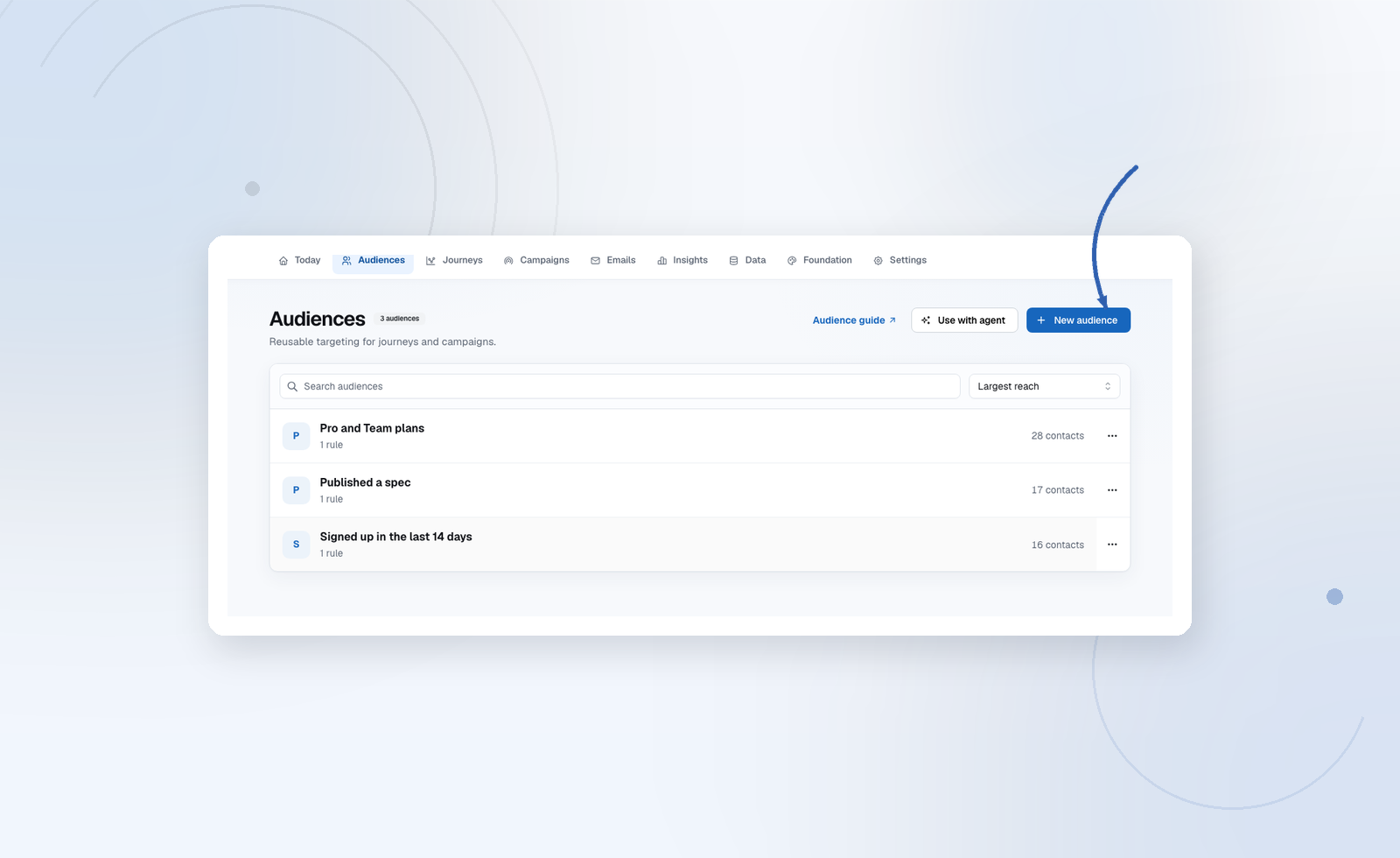
Build one
Audiences → New audience. Name it, then Contacts who match:
- Add a Property, Event, Tag, or List (mailing-list subscription) rule.
- Choose the field or event, then an operator (equals, does not equal, contains, is known/unknown, more than N days ago, …).
- All vs Any (AND / OR) at the group.
- Add group to nest logic: “plan is pro AND (signed up this week OR referred a friend).”
Limit: 25 top-level conditions per group. If you hit it, the segment is probably two audiences.
Preview audience before save: count + sample rows. Catch empty or inverted segments here.
Suggestions
Suggest audiences from my data uses confirmed fields, coverage, and Foundation facts. Each card has a rationale and size. Apply, tweak, save. Suggest again will not repeat the same set.
Suggestions are not templates from another product. If they look generic, add clearer product knowledge and confirm the relevant contact fields.
Using an audience
- Journey Start (audience entry) or as scope on an event trigger
- Campaign recipient source
- Reach panel on the audience itself for a sanity check before a send
Deleting an audience that a live Journey still references is blocked — detach it first.