Sending
Campaigns
Send one email to an audience, now or scheduled.
A campaign is a one-shot send to everyone who currently matches an audience and is eligible. Membership is not re-checked after send starts — someone who joins later does not get it unless you send again.
Use a Journey when the send should be triggered by behavior, repeat, or be measured against a holdout.
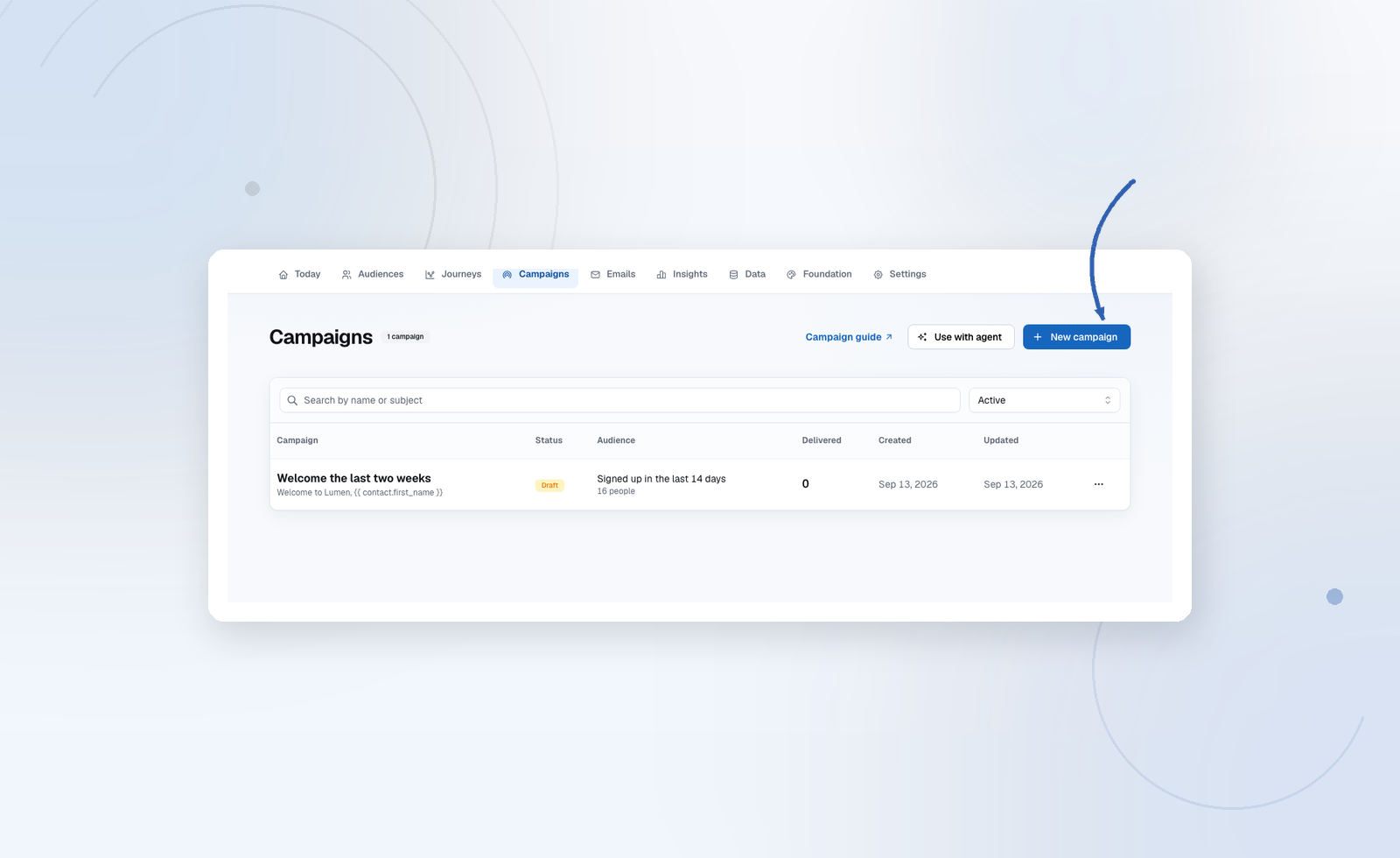
Create
Campaigns → New campaign:
- Choose a starting point: Write a new email, Use a template, or Use an existing email. Search templates and published emails by name or subject. Templates create an editable copy; existing emails are linked, so changes to the original email affect this campaign too.
- Choose Who receives it and the Communication type. Marketing is the default; the type determines which consent rules apply. An audience is preselected only when the project has a single audience.
- Give the campaign an internal name. Audryo suggests one from your audience and selected email; you can change it at any time.
- Optionally expand Topic subscription to require a preference-center mailing-list subscription within that audience. The audience eligibility count is preliminary; final recipients are checked before sending.
- Choose Create and edit email for a new email or template, or Create draft for an existing email. You can go back and change the starting point without losing your settings. Duplicating a campaign opens setup with its existing settings.
- Review and test the draft, then send now or schedule it. Creating the campaign never sends an email.
Send
Send queues a delivery per eligible contact. Missing consent or suppressions are skipped (counted as suppressed), not emailed “anyway.” Live projects need a verified ESP; in sandbox mode the button reads Send to Sandbox inbox and every email is captured for review instead. Sending via API needs the deliver scope.
Use a stable Idempotency-Key (send-${campaignId}) so retries do not double-queue. See Campaigns API.
After send
Open a sent campaign for its full report on the campaign page itself: delivered, open rate, click rate and click-to-open, the delivery breakdown (sent, skipped, failed, bounced, unsubscribed), and which links people clicked. The campaign list shows open and click rate for every campaign at a glance. There is no holdout and no incremental lift number — that is a journey's Insights report.
Statuses you will see include draft, scheduled, sending, sent, and failed. Draft and scheduled campaigns can be deleted; sending/sent ones cannot be quietly erased from history.