Journeys
Journey steps
Email, wait, wait until, If/else, A/B, tags, webhooks, exit.
Each card on the canvas is a step. Click + on an arrow to insert one. The step Type control in the sidebar can change the selected card (email ↔ wait, and so on) without rebuilding the graph.
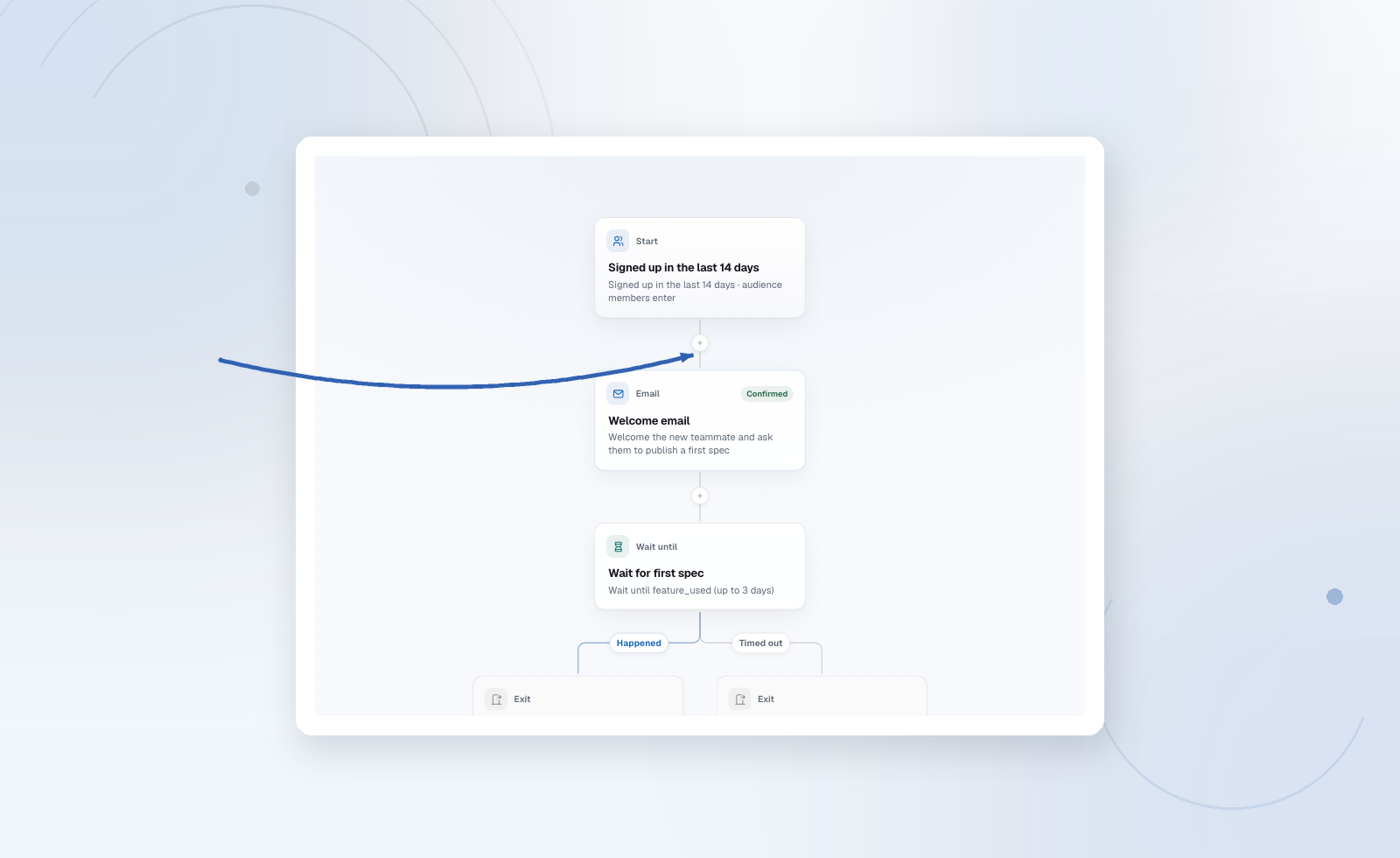
Sends one message document. Open the card to write copy. Every enabled project locale needs a confirmed variant before activation.
Event-triggered enrollments can merge {{ data.* }} from the snapshot taken at entry. See Personalization.
Wait
Pauses a fixed duration (hours or days) before the next step. People already waiting stay on that step if you pause the Journey; they do not skip ahead.
Wait until
Waits for an event or a field to match, with an optional timeout. On timeout the contact continues down the timeout path (or exits, depending on how you wired it). Use this for “wait until they finish setup, otherwise remind them” instead of a blind delay.
If / else
Splits on a contact field, an event, or a tag. Each branch is its own downstream path. Keep conditions on confirmed, high-coverage fields when you can — a branch nobody can ever match is dead copy.
A/B split
Random split for email tests. Each arm should be a real alternative (subject, offer, or layout), not a duplicate. Insights still report against the Journey goal, not “which subject got more opens.”
Set field
Writes a contact property (API: set_attribute). Useful so a later audience or branch can see “we already sent the advanced series.” Only set fields you actually use.
Tag
Adds or removes a tag (set_tag). Tags are first-class in Data → Tags and in audience rules. Prefer tags for campaign membership (“completed_onboarding”) and properties for facts (“plan = pro”).
Webhook
POSTs this moment to an HTTPS URL or Zapier. Use it to tell your product “this person reached day 3” without polling Audryo. Failures are retried; they do not silently skip the rest of the Journey. See Webhooks and Zapier.
Exit
Ends the Journey for that person, with a reason. A goal with exit on reach (default) also exits when the conversion event fires while they are enrolled (scheduled / active). Conversions can still count for people who are scheduled, inside the goal window, even if the email has not sent yet.