Emails
Emails overview
Four ways to create an email, and how drafts become live.
Every email in Audryo — a Journey step, a campaign, a transactional template, or a library draft — is the same kind of document. It has versions, it is checked before it can go live, and nothing sends until a person clicks Publish.
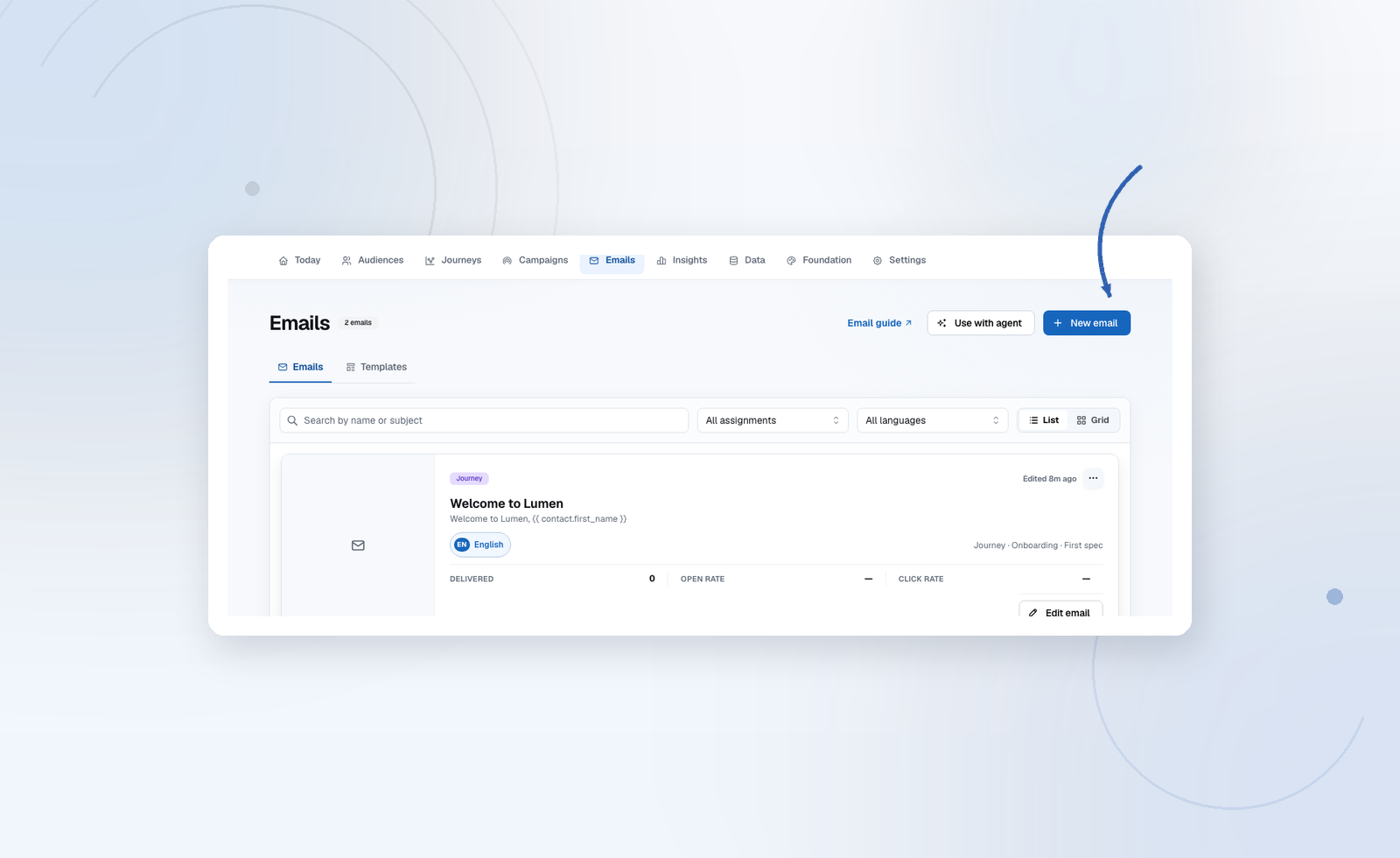
Four ways to create an email
| Route | Best for | Where |
|---|---|---|
| Your own agent | New campaigns, full series, custom images | Codex, Claude Code, Cursor → Design emails with your agent |
| Template | A proven lifecycle layout in your brand | Emails → Templates → Use for email |
| Blank brand email | Short, simple messages | Emails → New email |
| Ask AI | Rewriting the draft you have open | Editor toolbar |
All four end in the same editor, so you can mix them: let your agent build the first version, then polish it by hand.
From draft to live
- Draft — edit freely. Save as often as you like. Nothing live changes.
- Test — send a copy to yourself and check it on your phone.
- Publish — freezes a new version. This is what Journeys, campaigns, and transactional sends use.
- Edit again — starts a new draft. The published version keeps sending until you publish the next one.
Checks that block Publish
Audryo refuses to publish an email that would look broken or non-compliant in the inbox:
- It needs a heading, a button with a real
httpslink, and a footer. - Placeholder links (
https://example.com,#) are rejected. - Merge tags with broken syntax are flagged.
- Images must be uploaded to the project, not linked from elsewhere.
- AI-written copy uses supported claims from the active Foundation revision. Unresolved claims are excluded.
The unsubscribe and preference links are added automatically at send time.
The Emails library
Emails has two tabs:
- Emails — everything you send. Each card shows its languages, where it is used (library, campaign, Journey, system), and delivery metrics.
- Templates — the brand base, lifecycle layouts, and your team's saved layouts. See Templates and brand.
System emails such as the double opt-in confirmation are protected and cannot be deleted.