Get started
Quickstart
From a new project to your first reviewed email in about 20 minutes.
Go from a new project to your first reviewed email in about 20 minutes.
Audryo is a complete agent-first stack for lifecycle email — audiences, journeys and campaigns your agent can run end to end.
Before you start
- A few real contacts — or load the sample dataset first
- To go live later: a domain whose DNS you can edit and an account at Resend (recommended), Mailgun, or any provider with SMTP access
How Audryo works
Your product sends Audryo contacts and events. You build audiences from that data and write emails for them — as a one-off campaign or as an automated Journey. New projects start in sandbox mode, so you can try everything without reaching anyone. Once live, every email leaves through your own email provider.
1. Create a project
Sign up or choose New project and enter your website. Audryo reads it and prepares Foundation: facts about your product and a brand kit with logo, colors, and fonts.
Open Foundation to read your product brief. Add missing details or corrections in your own words; Audryo creates a complete revision automatically. You do not confirm individual facts. Unclear claims are kept out of generated copy.
See Foundation for sources, agent updates and revision history.
2. Add contacts
Open Data and pick one:
| Option | Use when |
|---|---|
| Sample dataset | You want to explore before connecting real data |
| CSV import | You have an export to load once |
| API | Your product should keep Audryo up to date — Contacts & events |
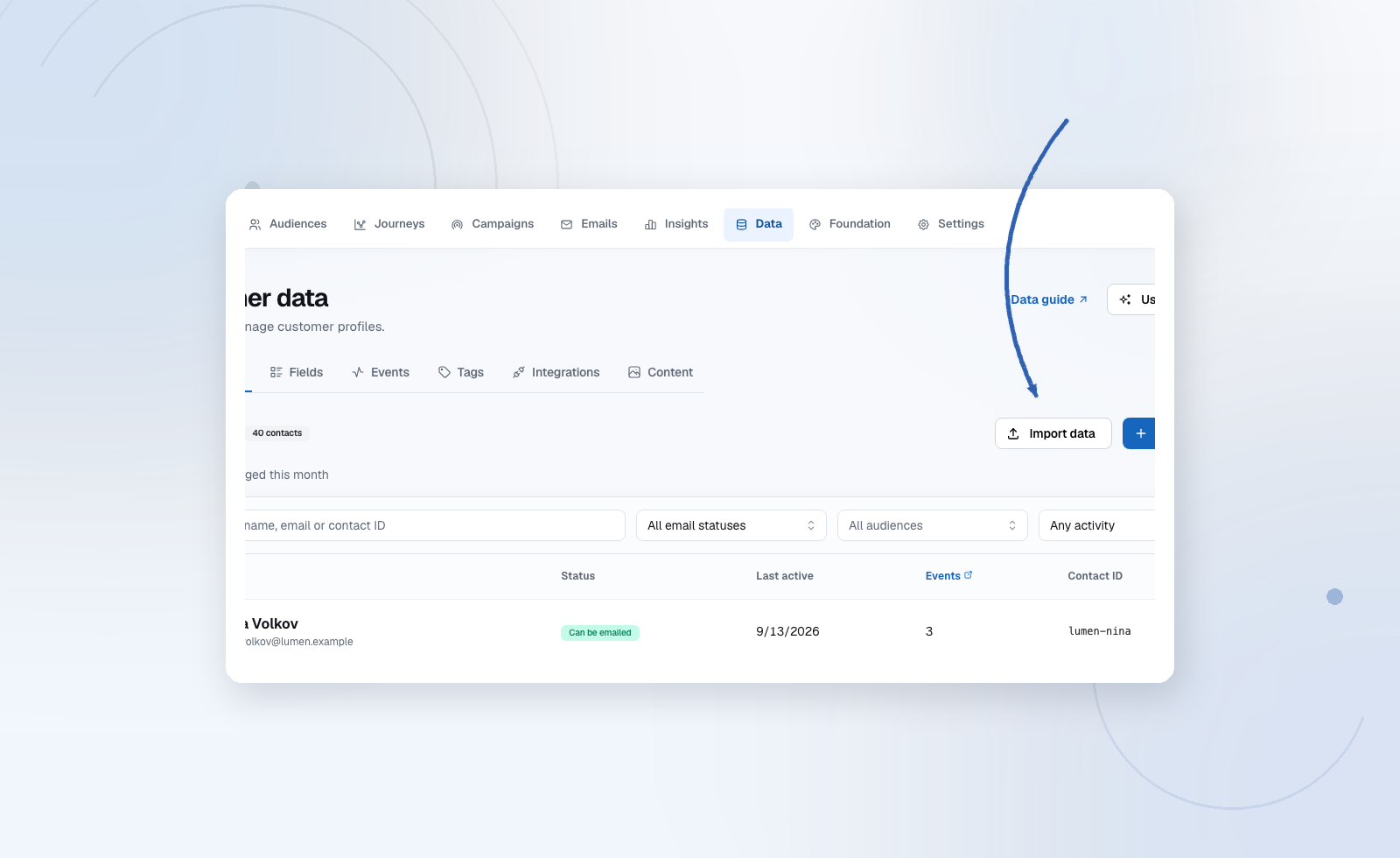
For marketing emails, also record consent. Being a customer is not the same as agreeing to marketing email. See Consent & suppressions.
3. Build an audience
Audiences → New audience. Add rules such as "plan is pro" or "signed up in the last 7 days" and click Preview audience to check the count before saving.
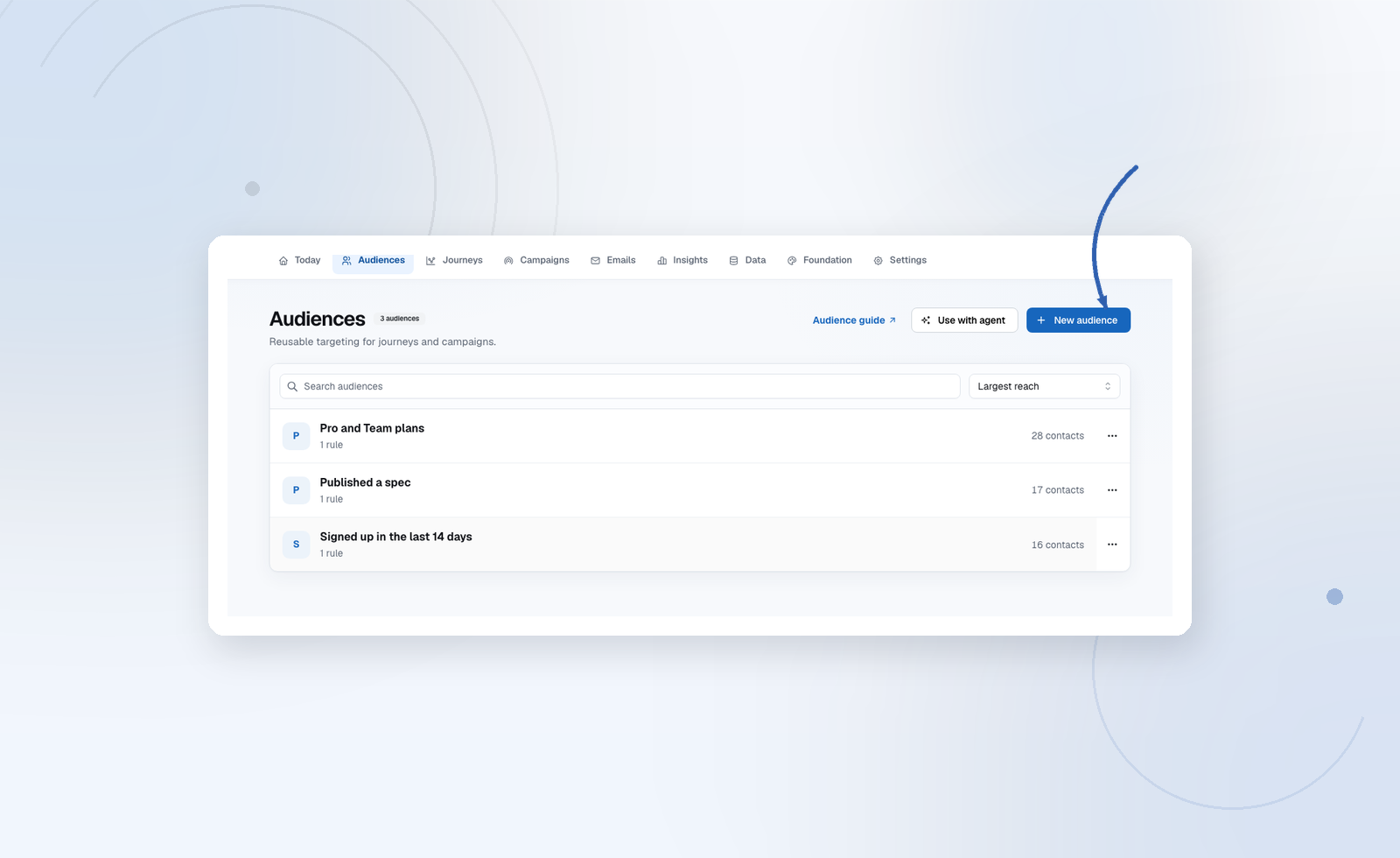
See Audiences.
4. Create your first email
Emails → New email, start from a template, or let your agent design it — see Design emails with your agent.
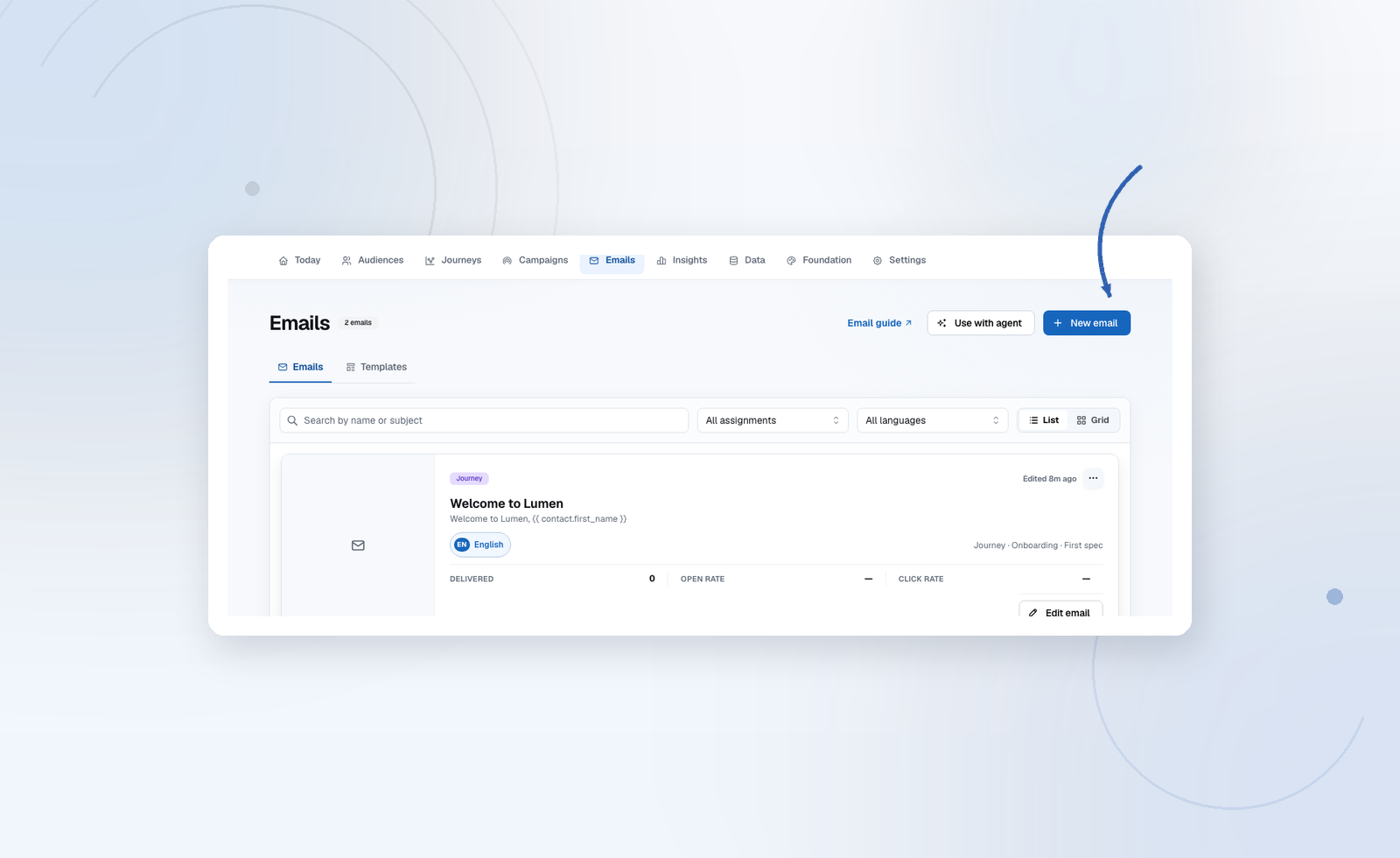
Send a test to yourself, check it on your phone, then Publish.
5. Send it — safely, in sandbox
| You want to… | Do this |
|---|---|
| Email the audience once, now or scheduled | Create a campaign and send |
| Email people automatically when they qualify | Build a Journey, run the dry run, and start it |
| Send receipts or invites from your product | Use transactional email |
Not sure? Read Types of emails.
New projects are in sandbox mode: everything runs for real, but emails land in Emails → Sandbox inbox instead of reaching people. Check every email there, and use Fast-forward waits to walk through a journey in minutes.
6. Connect your provider and go live
Open Settings → Email delivery, choose Resend, Mailgun, or Custom SMTP. For Resend and Mailgun, publish the DNS records Audryo shows you and connect the provider webhook so bounces and complaints are handled automatically. For SMTP, enter your server details — Audryo tests the connection.
Full walkthrough: Connect your ESP.
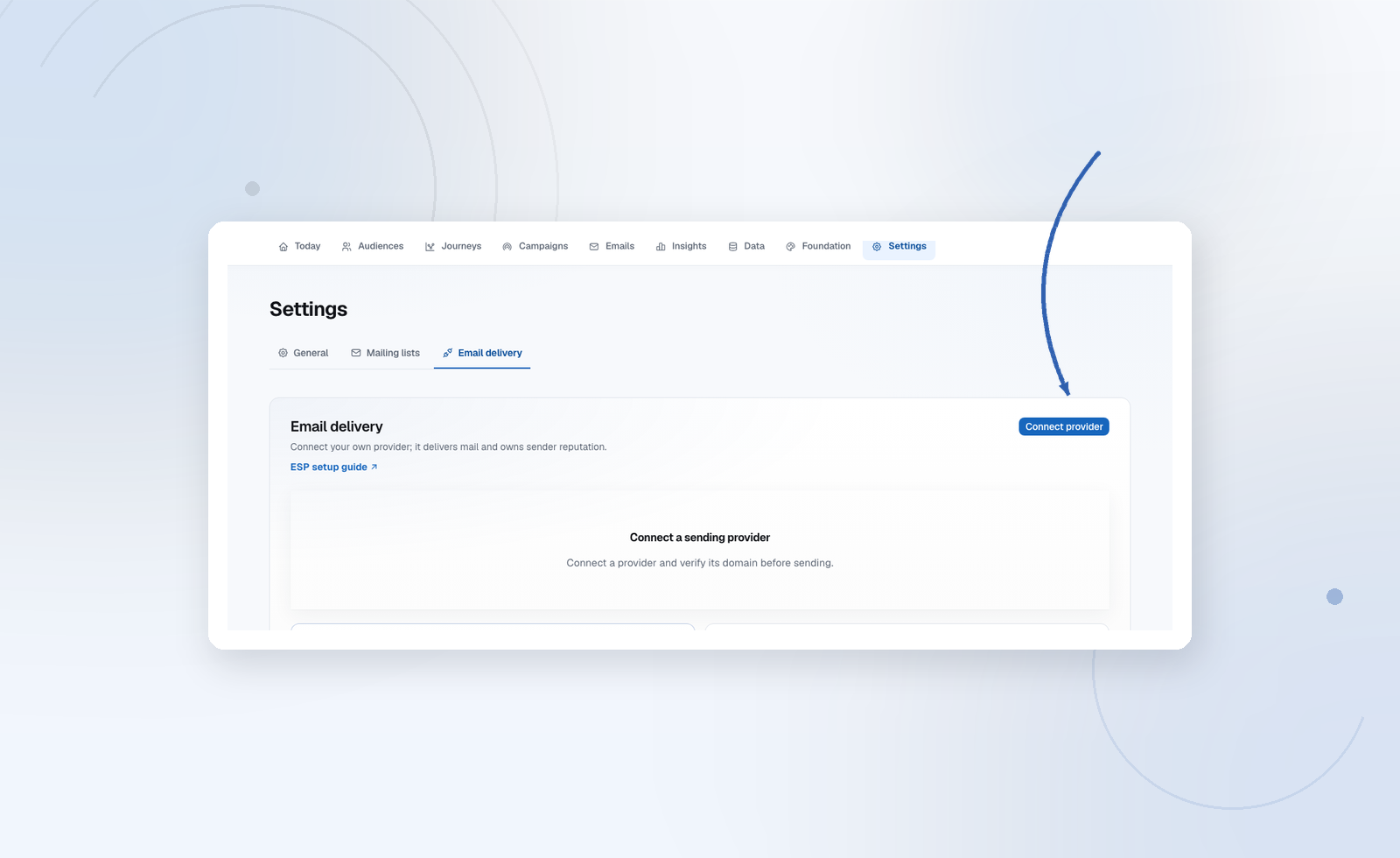
Once the provider shows Verified (or Connected for SMTP), click Go live. Active journeys pause so nothing from testing reaches real people — resume them when you're ready.
Next steps
- The editor — blocks, design, preview, and footers
- Journeys — automate onboarding and win-back
- Deliverability — the launch checklist before real volume
- Agent quickstart — let an agent do the setup work
Audryo is in public beta. Questions and feedback: support@audryo.com.