Journeys
Insights
Did the Journey change behavior? Lift against the holdout.
Insights is where you judge whether a Journey changed a product outcome, not whether people opened mail.
Words used in every report
| Term | Meaning |
|---|---|
| Conversion | Someone reached the journey's goal (for example premium_subscribed) within its measurement window. |
| Comparison group | People picked at random who enter a journey but get no email. Set its size with the journey's holdout percentage. |
| Lift | How much more (or less) often people who got the emails convert than the comparison group. |
| Extra conversions | Conversions that would not have happened without the emails, estimated against the comparison group. |
Every overview and journey report starts with a one-sentence verdict: *Working*, *Hurting*, *Mixed*, *No clear effect*, *Still measuring* (too few people in one of the groups) or *Not measured* (no comparison group). Lift and extra conversions stay empty until the verdict is backed by enough people, so a handful of early conversions never reads as a result.
Where each report lives
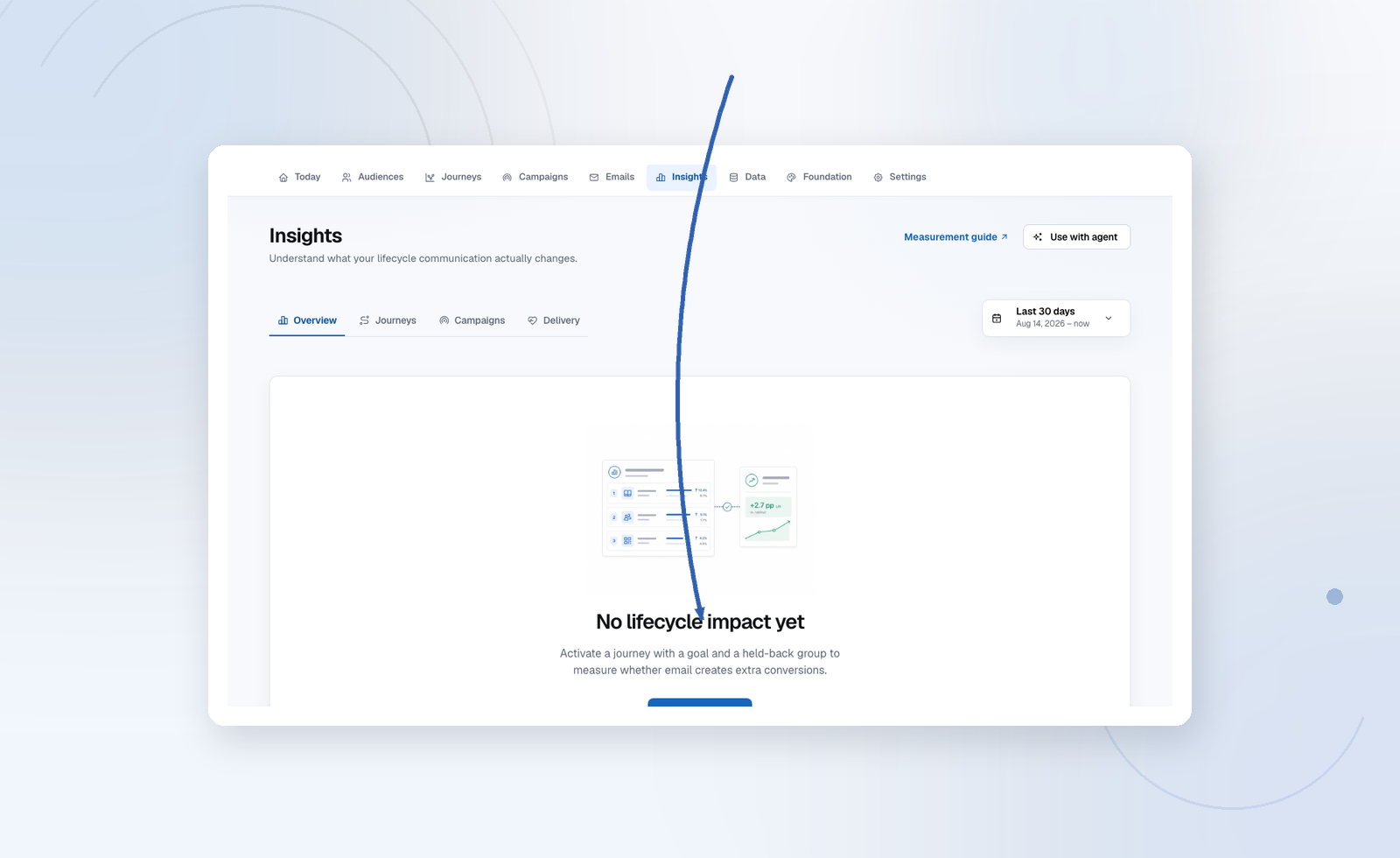
Insights is the project-wide overview. The detailed report for one object lives with that object, so the numbers sit next to the thing you would change because of them:
| Report | Where | What it answers |
|---|---|---|
| Overview | Insights | Is lifecycle email changing outcomes across the project? What needs a change? |
| Delivery | Insights → Delivery | Bounce, unsubscribe and complaint bands, and who can actually be reached. |
| Journey | Journeys → a journey → Insights | Goal conversion vs the held-back group, lift, extra conversions, each email's engagement, and where people are now. |
| Campaign | Campaigns → a sent campaign | Engagement, delivery breakdown and link clicks. A campaign sends one email, so this is also that email's report. |
An email has no separate report: Insights on an email opens its journey or campaign. Every row on the overview opens the matching report, and each report has the same date control in the top right.
What to look at first on the overview
| Area | Meaning |
|---|---|
| Verdict and headline numbers | One sentence on whether email is working, then conversions, extra conversions, lift, and click rate across all email. |
| Needs attention | Ordered problems: losing to holdout, engagement without conversion, delivery issues. |
| Lifecycle impact | Conversion rate of people who got the emails vs the comparison group, cumulative over the period. |
| Journeys | Journeys ranked by extra conversions, each with its verdict. Filter by finding; open one for its report. |
| Campaigns | Campaigns sent in the period, newest first. Open one for its report. |
Open rates are noisy (Apple Mail Privacy Protection and similar). Use them to debug “did this even arrive / was the subject broken,” then return to conversions.
Holdout
Journeys with a holdout percentage > 0 keep a comparison group that does not get the emails. Insights will not invent lift for campaigns or for journeys with no_holdout. See Holdouts and pausing.
losing_to_holdout means the people who received the sequence converted worse than people who did not. Pause. Do not scale the send.
Sandbox data
In sandbox mode, captured emails and test enrollments count in Insights — opens and clicks from the Sandbox inbox preview included — so you can see how reporting will look. Going live deletes that test data, so live numbers start clean.
Eligibility and blocked
Reach and eligibility sit on the Delivery tab.
A high blocked count usually means missing marketing consent or unconnected bounce feedback — not a broken graph. Fix consent or the ESP webhook. Enrollments retry when the contact becomes eligible.
Recommendations
The overview can suggest a next audience, a weak step, or a data gap. Treat them as a review queue, not as auto-applied changes.