Audience & data
Importing contacts
API batches, CSV, sample data, export, and erasure.
There are several ways to add people. Use the smallest path that matches the job, then create an audience to make those contacts available to campaigns and journeys. Keep IDs stable: mixing anonymous CSV rows with later API upserts without externalId creates duplicates.
Start with one person
On an empty Data → Contacts page you can:
- choose Add me as test contact to use your Audryo account address;
- choose Add a contact to enter one person in a short form; or
- load the sample dataset to explore the product without real customer data.
After the first contact is saved, Audryo shows the next setup step on the contacts page. Choose Create audience there to group contacts for a campaign or journey. You do not need to return to Today first.
API (recommended)
POST /v1/projects/{projectId}/contact_ingestion
- Scope:
write - Up to 5,000 contacts per call; batches of a few hundred are easier to retry
- Upsert on
externalId(your user id) or email - Properties use schema keys (
plan, not “Plan”)
See Contacts API and Contacts & events.
CSV
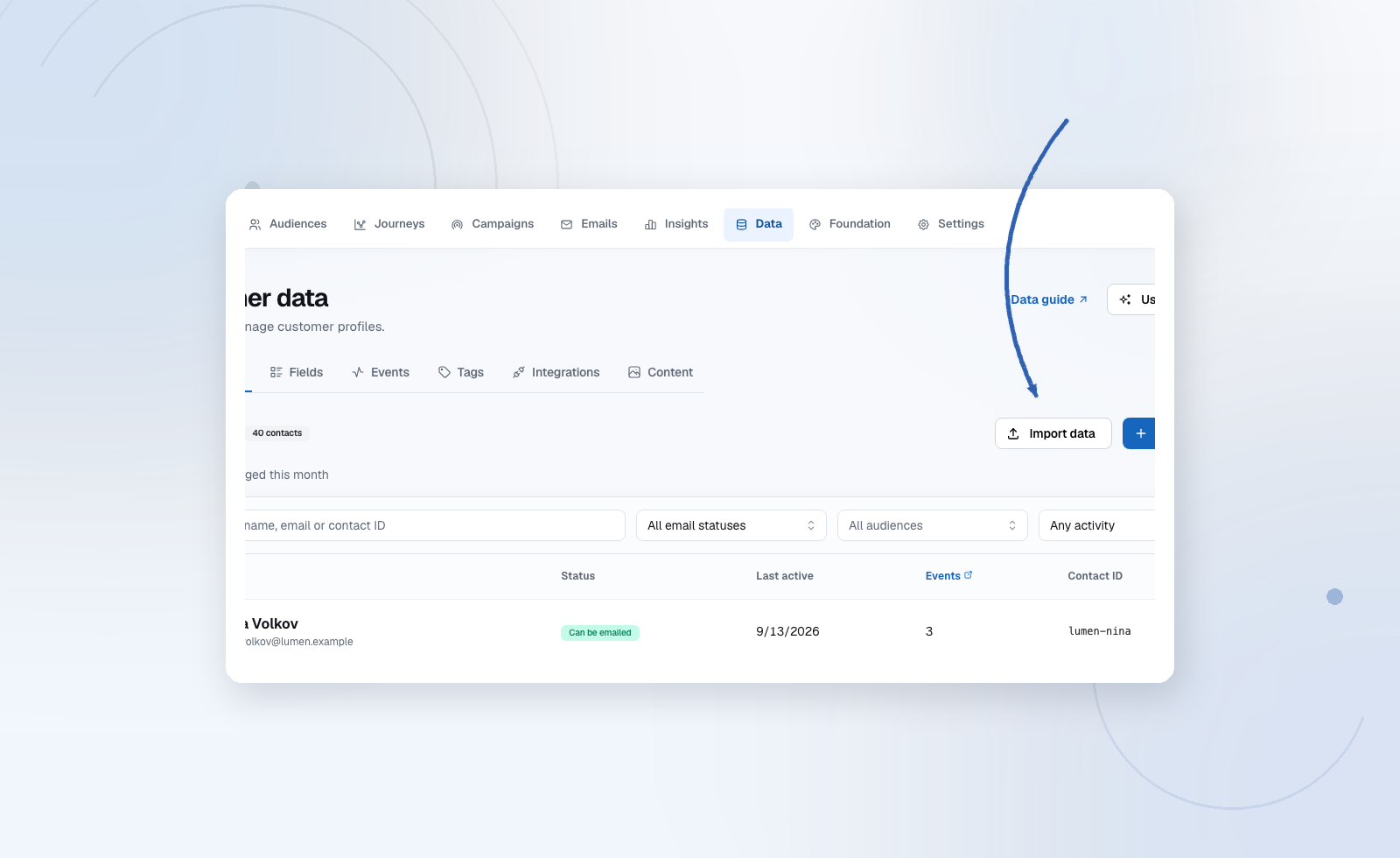
Data → Contacts → Import CSV uploads a spreadsheet for a one-off backfill. CSV import has its own flow so adding one person never requires spreadsheet formatting.
- Include an email column.
- Map columns onto existing fields or allow a new field (it arrives as proposed).
- Review the import result (created / updated / errors).
- Record consent separately if these people should receive marketing mail. A CSV of customers is not consent evidence.
Large files are processed asynchronously. Stay on the import list until the job finishes; a partial failure should be retried only for the failed rows.
Sample dataset
New projects can load a sample dataset from Data to click through audiences and the editor before production sync exists. Replace it with real externalIds before any live send.
Export and erasure
Export downloads contacts you are allowed to see. Erase on a contact profile permanently removes personal data and takes them off Contacts. An anonymous suppression remains so they are not emailed again if the same address comes back. Erasure is logged in the audit trail.